Image Rotator
Have you even been annoyed by rotated images? Look no further! Rotate one or more images 90°/180°/270° left or right. Preview the result instantly, then download your rotated image — or zip them all at once. No uploads, no server. Learn how to rotate your image →
What is Image Rotator
The Image Rotator lets you rotate one or multiple images by 90° increments directly in your browser. All processing is done locally — your files never leave your device.
How rotation works
Each image is drawn to an offscreen canvas with the selected rotation applied. The canvas output is then exported in the original file format, preserving image quality. For 90°, 180° and 270° rotations, the canvas dimensions are automatically adjusted to ensure the output has the correct aspect ratio.
FAQs
- Q: Are my images uploaded to a server? A: No — all rotation happens locally in your browser. Your images are never uploaded.
- Q: Can I rotate multiple images at once? A: Yes — drop multiple images, rotate each independently, then use Download All to get a ZIP.
- Q: Is the original image modified? A: No — the original file is unchanged. You download a new copy with the rotation baked in.
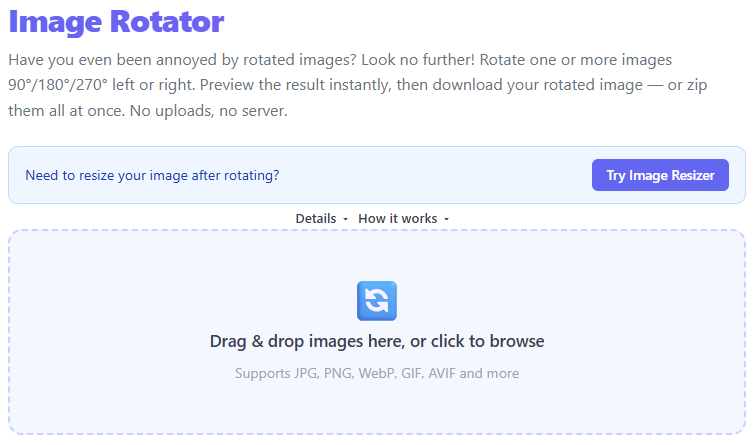
Upload one or more images by drag-and-drop or by browsing your files.
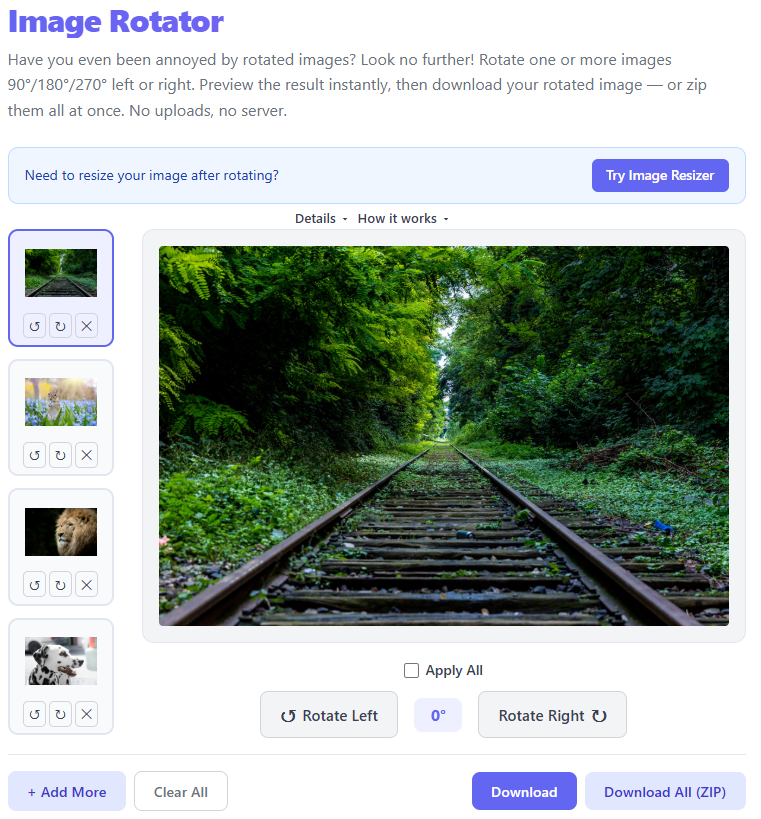
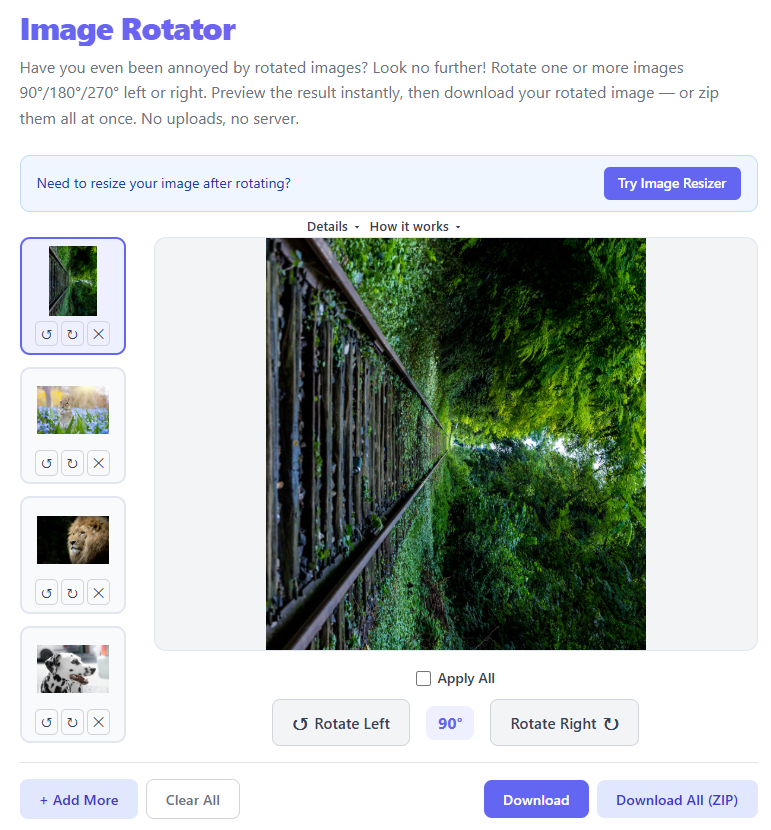
Pick an image from the thumbnail strip and rotate left or right.
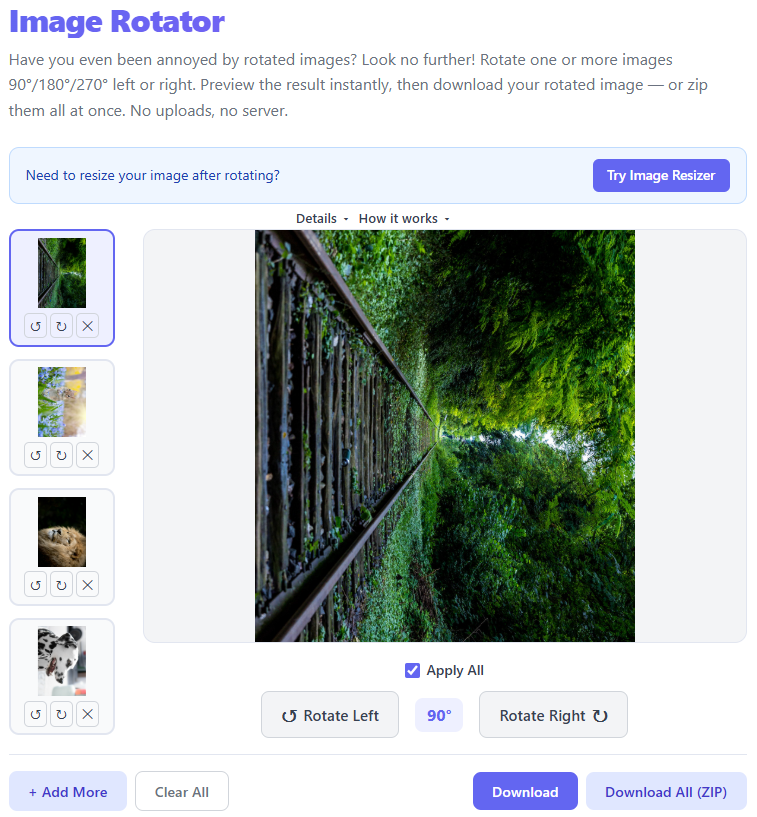
Optionally enable Apply All to rotate every image together.
Download the current image or download all rotated images as a ZIP file.
Drag & drop images here, or click to browse
Supports JPG, PNG, WebP, GIF, AVIF and more
Image Rotator – Rotate Images Online Instantly Without Losing Quality
Need to rotate a photo quickly? Our Image Rotator helps you rotate images online in seconds. Upload your image, choose the rotation angle, preview the result, and download instantly.
Whether you need to fix phone photo orientation, prepare images for social media, or adjust scanned documents, rotating an image should be simple and fast.
🔄 Why Rotate an Image?
Images are often saved in the wrong orientation depending on the device used to capture them. Rotating helps correct alignment and improves presentation.
Common reasons people rotate images:
- 📱 Fix sideways or upside-down photos
- 🌐 Prepare images for websites or blogs
- 📄 Correct scanned document orientation
- 🛍️ Improve product photos for ecommerce
- 📊 Adjust visuals for presentations or social media
⚡ How to Rotate an Image Online
Using an online image rotator is simple:
- 📤 Upload your image file
- ↩️ Select the rotation direction
- 👀 Preview the rotated image
- ⬇️ Download the updated image instantly
🧩 Supported Image Formats
A good image rotator should support popular formats such as:
- 🖼️ JPG / JPEG
- 🎨 PNG
- 🌐 WEBP
- 🎞️ GIF
- 🧱 BMP
- ✏️ SVG
- 📷 HEIC
🚀 Benefits of Using an Online Image Rotator
No Software Installation — Rotate photos directly from your browser without downloading editing programs.
Fast Processing — Upload and rotate within seconds.
Privacy Friendly — Browser-based tools often process files locally, reducing upload risks.
Works on Any Device — Use on desktop, tablet, or mobile.
Easy for Everyone — No editing experience required.
🎯 Common Use Cases
Image rotation is useful across many scenarios:
Correcting vacation photos
Fixing portrait images from smartphones
Rotating scanned screenshots
Preparing marketplace product images
Aligning graphics for presentations
Social media content creation
Client-Side Canvas Transformation Architecture & Trigonometric Rotation Math
Our online Image Rotator processes transformations 100% client-side inside browser memory using the HTML5 Canvas API. To rotate an image matrix without introducing off-center clipping or visual distortion, the 2D rendering context executes a multi-step coordinate transformation matrix. First, context translation ctx.translate(width / 2, height / 2) repositions the origin $(0, 0)$ to the exact geometric center of the canvas. Next, a rotational transformation ctx.rotate(radians) is computed using radian conversion $\theta = \text{degrees} \times \frac{\pi}{180}$. Finally, ctx.drawImage() renders the source bitmap offset by half its original dimensions (-origWidth / 2, -origHeight / 2).
Lossless EXIF Metadata Flags vs. Canvas Bitmap Re-Encoding
Understanding image orientation requires distinguishing between EXIF metadata flags and pixel-level bitmap transformation. Smartphones (iOS and Android) attach a 1-byte EXIF tag (Tags 1, 3, 6, or 8) indicating camera sensor orientation. Updating only the EXIF flag is mathematically lossless but can fail on platforms or legacy image viewers that ignore EXIF orientation metadata. Our tool performs raster canvas re-encoding: pixel byte arrays are physically transposed and re-rasterized into the target format (JPEG, PNG, WebP), guaranteeing 100% universal display compatibility across all operating systems and web browsers with zero server uploads.
Standard EXIF Orientation Tags & Transformation Reference
| EXIF Tag Value | Visual Camera Orientation | Required Rotation to Fix | Canvas Matrix Action |
|---|---|---|---|
| 1 | Normal (Top-Left) | 0° (None) | No transformation applied |
| 3 | Upside Down (Bottom-Right) | 180° | Rotate 180° around center |
| 6 | Rotated 90° CW (Right-Top) | 90° Clockwise | Swap W/H, rotate 90° CW |
| 8 | Rotated 90° CCW (Left-Bottom) | 270° CW / 90° CCW | Swap W/H, rotate 270° CW |
Frequently Asked Questions (FAQ)
How do EXIF orientation tags affect images uploaded from iOS vs. Android devices?
iOS and Android devices write EXIF orientation tags (e.g. Tag 6 or 8) based on internal accelerometer sensors. When viewing or uploading photos, some software ignores these flags and displays images sideways. Our rotator physically bakes rotation into pixel byte arrays for 100% universal rendering.
Does rotating a JPEG image 90° in the browser cause pixel quality loss?
Standard canvas re-encoding decompresses lossy JPEG discrete cosine transform (DCT) coefficients into uncompressed RGBA pixel buffers before re-saving at high quality (~0.92-0.95). While lossless JPEG rotation requires specialized lossy-domain tools, canvas rotation yields imperceptible visual degradation.
How are image dimensions (width and height) recalculated when rotating 90° vs 180°?
For 180° rotations, canvas dimensions remain identical $(W_{out} = W_{in}, H_{out} = H_{in})$. For 90° and 270° rotations, horizontal and vertical axes transpose: $W_{out} = H_{in}$ and $H_{out} = W_{in}$, preventing image cropping.
What is the maximum file size or resolution the browser can rotate before running out of RAM?
HTML5 Canvas limits depend on browser and system GPU limits (typically up to 16,384 × 16,384 pixels or ~256 MB RAM per canvas context). Our tool handles large 4K/8K smartphone photos (50MB+) smoothly.
Does my private photo or document get uploaded to an external server during rotation?
No. All file reading, canvas transformation matrices, and image downloads occur strictly inside client browser RAM memory. Zero bytes leave your device.
Can I rotate animated GIF or transparent PNG images without breaking transparency?
Yes. PNG and WebP formats retain full 8-bit alpha transparency channels during canvas transformation. Animated GIFs are rendered using the primary frame for static image rotation.
How does batch rotation work when selecting 'Apply All' for multiple photos?
Selecting 'Apply All' applies the selected rotation matrix simultaneously to all queued file objects in memory, allowing you to rotate dozens of vacation or product photos at once and download a single ZIP.
Why do some images appear correctly oriented in desktop viewers but sideways on web pages?
Desktop image viewers often read EXIF orientation metadata automatically, whereas standard web browsers or legacy CSS render raw pixel arrays without EXIF parsing. Rotating and saving the physical canvas fixes web display.
⭐ Why Use ThrjTech Image Rotator?
Your Image Rotator tool offers a simple workflow focused on speed and ease of use. Instead of opening heavy editing software, users can quickly rotate images online and download the corrected version immediately.
Great for:
- ⚡ Quick image corrections
- 📅 Daily productivity tasks
- 🧰 Lightweight photo editing
- 👨💻 Casual and professional users
🔗 Related Tools
Start Rotating Your Images Today
Fixing image orientation has never been easier. Use ThrjTech Image Rotator to rotate images online instantly — no installs, no sign-up required.
Try the Image Rotator Tool →