Developer Tools
Essential browser-based utilities for everyday development. Instantly format, beautify, and validate JSON with syntax highlighting, or test and debug regular expressions with live match highlighting and search & replace — no setup, no installs, just open and use.
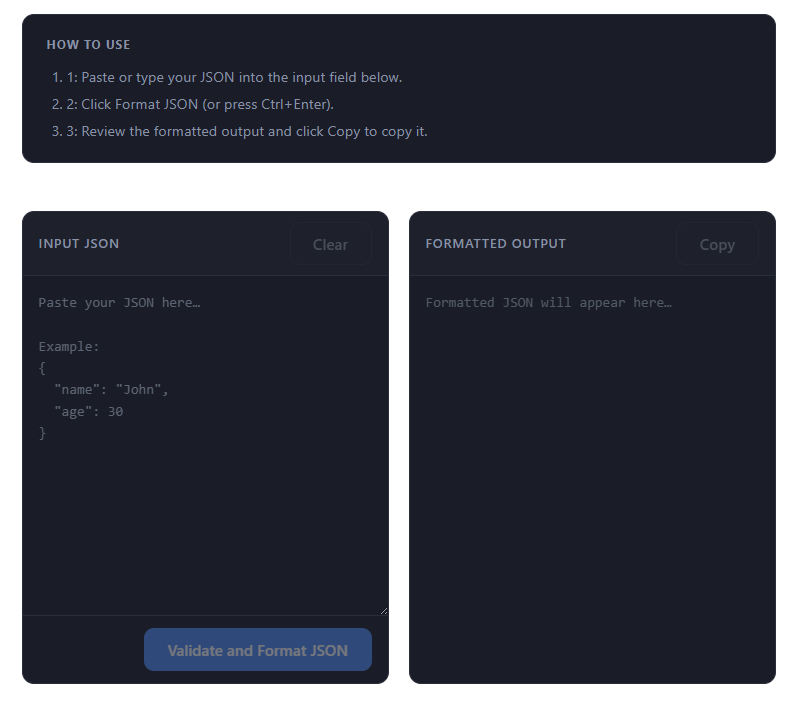
JSON Formatter
Format, beautify, and validate JSON data instantly. Supports syntax highlighting and error detection.
Use Tool →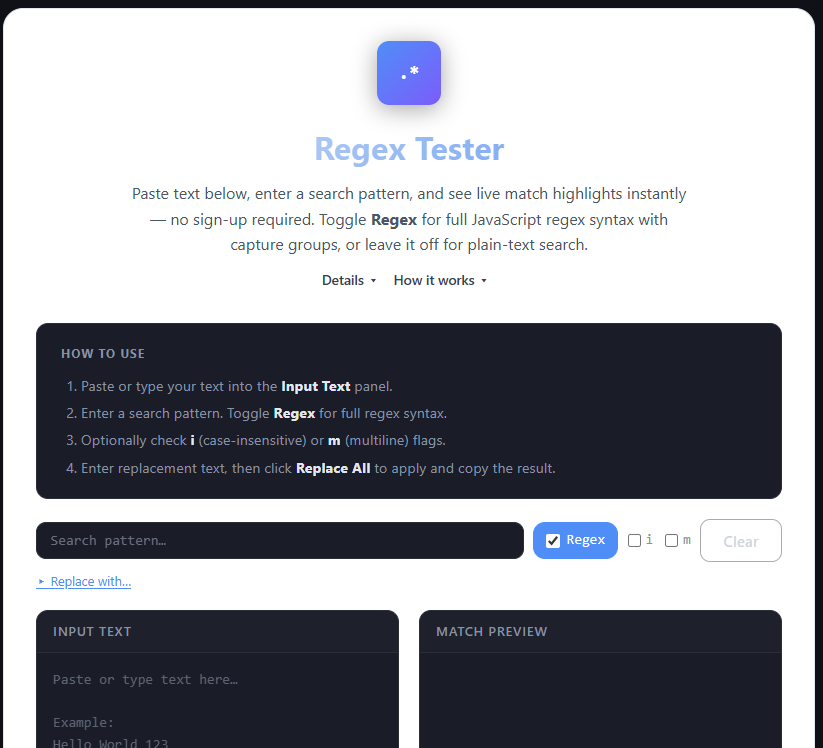
Regex Tester
Test and debug regular expressions with live match highlighting and search & replace support.
Use Tool →Why Developer Utilities Matter
1) Core Workflow Benefits
Every developer encounters the same daily friction: a JSON payload arrives from an API as a single unreadable line, or a regex pattern works in the documentation but fails in the codebase. Stopping to install a desktop tool or write a quick test script costs far more time than the task itself. Browser-based utilities eliminate that friction by giving you a reliable, zero-install workspace that opens instantly and never requires you to hand data to an unknown third party.
- Debug API responses faster by pasting raw JSON and reading a structured, syntax-highlighted tree instead of an unreadable flat string.
- Test API contracts by verifying that your request body matches the expected schema before it ever reaches the server.
- Validate form input patterns by writing and refining regex expressions against real sample strings in real time.
- Reduce workflow friction by keeping common developer tasks inside the browser tab where you are already working, without switching to a separate tool.
2) Tool-by-Tool Overview
Tool Overview
JSON Formatter
- Pretty-print compact or minified JSON into an indented, readable structure with syntax coloring so keys, values, and nested objects are immediately scannable.
- Debug API responses by pasting raw payloads directly from your network tab or clipboard and inspecting the structure without writing any code.
- Validate JSON syntax before submitting data to a server or storing it in a config file, catching errors like trailing commas or mismatched brackets instantly.
Regex Tester
- Match patterns across multi-line sample text with immediate visual highlighting of every capture group and the overall match region.
- Validate common input formats such as emails, phone numbers, URLs, and dates by testing against real-world strings that include edge cases.
- Test find-and-replace logic before using it in code, a script, or a database migration so you can confirm the substitution works exactly as intended.
3) Copy-and-Use Examples
Practical Examples
Validate Email Addresses
Paste this pattern into the Regex Tester and enter a list of addresses in the test input. Matches are highlighted; non-matching lines stay unstyled. Adjust the pattern to support sub-domains, plus-addressing, or international TLDs as needed.
/^[^\s@]+@[^\s@]+\.[^\s@]+$/Read API Responses
Paste a raw API response body into JSON Formatter to instantly see a structured, indented view. Use this to confirm which fields are present, check data types, and identify unexpected null values or extra nesting before writing any parsing code.
{
  "userId": 42,
  "status": "active",
  "roles": ["admin", "editor"]
}
4) Common Pitfalls and How to Avoid Them
Common Developer Mistakes
Small formatting errors and untested patterns are among the most common causes of bugs that are difficult to trace. Catching them early with the right tooling saves more debugging time than it takes to add the check.
- Submitting invalid JSON to an API because a trailing comma was left in a config file or request body — the formatter catches this instantly before any request is made.
- Writing an overly complex regex with nested groups that works for one case but silently fails for valid inputs — testing against a diverse sample set prevents this.
- Forgetting to escape special characters like dots, brackets, or slashes in regex patterns, causing them to match far more broadly than intended and introducing hard-to-debug logic errors.
5) Your Data Stays in Your Browser
Both tools run entirely in your browser. No data is sent to any server at any point during use. This matters especially in developer workflows because payloads often contain sensitive information:
- API responses may include authentication tokens, user IDs, or personal data that should never leave your controlled environment.
- JSON config files sometimes embed credentials, API keys, or internal endpoint URLs that should not be pasted into public online tools.
- Regex test strings often contain real user data extracted from logs or databases that is subject to privacy regulations.
- Closing the browser tab immediately discards all content with no trace, and no account or login is required to use either tool.
6) Tips for More Effective Use
A few habits make these tools significantly more useful in a real development workflow:
- Use real data, not placeholders. Testing a regex or JSON schema against a synthetic example often misses edge cases. Paste actual payloads or real form inputs to surface unexpected failures immediately.
- Test edge cases deliberately. For regex, always include at least one near-miss input — a string that looks valid but should not match. For JSON, try an empty object, a deeply nested structure, and an array at the root level.
- Format before reading. Never try to interpret minified JSON by eye. One paste into the formatter saves more time than it takes and eliminates a major source of misreading.
- Keep named capture groups. In regex patterns used for parsing, prefer named groups over positional ones. They make intent clear when you revisit the pattern weeks later.
- Bookmark your patterns. Regex patterns for common formats like ISO dates, UUIDs, and semantic version strings are worth saving. Build a personal reference so you are not rewriting the same patterns repeatedly.
7) Frequently Asked Questions
Does the JSON Formatter support very large payloads?
Yes. Because processing is done locally in your browser, the only practical limits are browser memory and JavaScript engine performance. Typical API responses of several megabytes format in under a second.
Can I use regex flags like case-insensitive or multiline mode?
The Regex Tester supports standard JavaScript regex flags including case-insensitive (i), global (g), multiline (m), and dotAll (s). You can combine flags directly in the pattern input field using the standard slash notation.
Does JSON Formatter detect and explain errors?
Yes. When you paste invalid JSON, the formatter highlights the position of the syntax error and shows a message describing the problem. Common errors like trailing commas, single quotes instead of double quotes, and unquoted keys are caught immediately.
Is the Regex Tester compatible with patterns from other languages?
The tester uses the JavaScript regex engine, which is compatible with most common patterns. Patterns from Python, Ruby, PHP, and Java are usually portable with minor adjustments.
Can I share a pattern or a JSON example with a teammate?
The tools do not currently have a shareable link feature, but you can copy and paste patterns and JSON samples into a shared document, Slack message, or pull request comment. The tools open in seconds so a colleague can paste and verify immediately.
8) Who Uses These Tools?
These utilities are useful across the full range of development roles and tasks:
- Backend engineers. Format and inspect API responses during integration work, validate request payloads before writing parsing code, and test data extraction patterns against log file samples.
- Frontend developers. Debug API data coming from endpoints before building UI components around it, validate form field patterns, and confirm that state objects have the expected structure.
- QA engineers and testers. Verify that API responses conform to documented schemas, build and test input validation patterns to use in test cases, and inspect edge-case payloads that trigger specific code paths.
- DevOps and platform engineers. Validate and format config files before deploying, test grep or sed patterns against sample log lines before running in production, and inspect structured log output to identify anomalies.
Why Use THRJ Tech Developer Tools?
THRJ Tech offers lightweight utilities for developers working with APIs, JSON data, regular expressions, and other common development tasks. These tools are designed to help validate, debug, and format data more efficiently.